

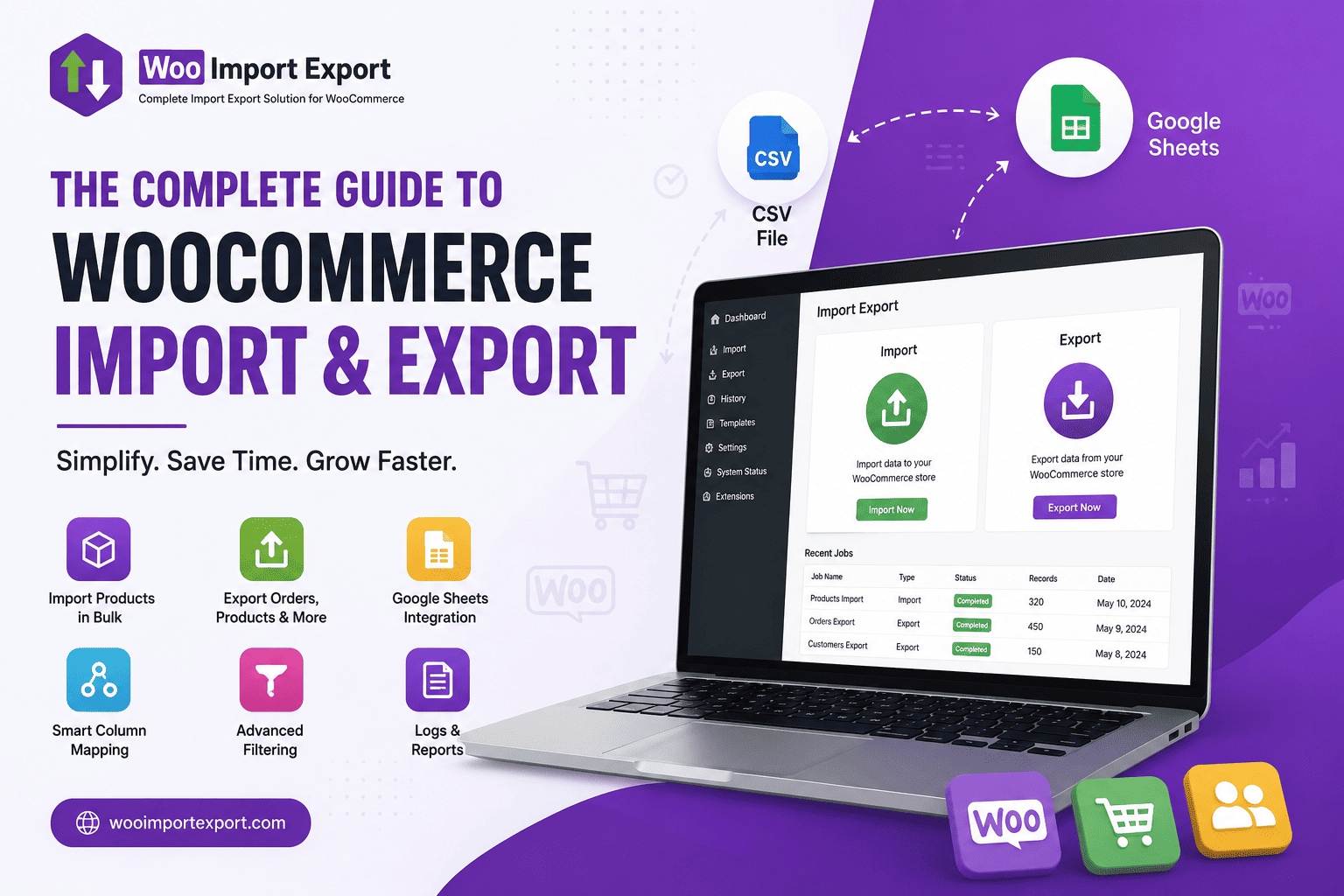

Managing a WooCommerce store becomes increasingly challenging as your business grows. Updating hundreds or even thousands of products manually isn’t just time-consuming—it also increases the chances of costly errors.
Whether you’re launching a new store, migrating from another platform, or simply updating inventory, an efficient import and export solution can save countless hours of work.
Why Import & Export Matters
Store owners regularly need to:
- Import new products from suppliers
- Export orders for accounting
- Backup customer information
- Update pricing in bulk
- Synchronize inventory across multiple stores
- Generate reports for business analysis
Doing these tasks manually can take hours or even days.
Bulk Import & Export Made Simple
A modern WooCommerce Import Export plugin allows you to manage:
- Products
- Orders
- Customers
- Coupons
from a single dashboard without writing any code. Instead of editing products one by one, you can upload a CSV or connect directly to Google Sheets and process thousands of records within minutes.
Smart Column Mapping
One of the biggest challenges during imports is matching spreadsheet columns with WooCommerce fields.
Smart Column Mapping automatically detects matching fields and also allows manual mapping whenever required, reducing import errors significantly.
Advanced Filters
Sometimes you don’t want to export your complete store.
Advanced filtering lets you export only:
- Products from specific categories
- Selected customers
- Particular order statuses
- Date-wise records
- Coupons matching your criteria
This keeps your exports smaller, cleaner, and more useful.
Save Templates for Repeated Jobs
Many businesses perform the same import or export every day or every week.
Instead of configuring settings each time, you can save templates and reuse them whenever needed, making repetitive tasks almost effortless.
Google Sheets Integration
Many businesses already manage inventory using Google Sheets.
Instead of downloading CSV files every time, Google Sheets integration allows direct synchronization between your spreadsheet and WooCommerce, improving collaboration and reducing manual work.
Complete Import & Export Logs
Every import or export operation should be traceable.
Detailed logs help you:
- Review completed jobs
- Identify failed records
- Troubleshoot issues quickly
- Maintain a history of all operations
This provides confidence when working with large datasets.
Benefits for WooCommerce Store Owners
Using a dedicated import/export solution helps you:
- Save hours of manual work
- Reduce human errors
- Migrate stores safely
- Keep inventory synchronized
- Improve operational efficiency
- Scale your business with confidence